First Time Users Sign Up
The First Time Just Placed Users, need to Sign Up before Login.
Steps - require less than 2 minutes time
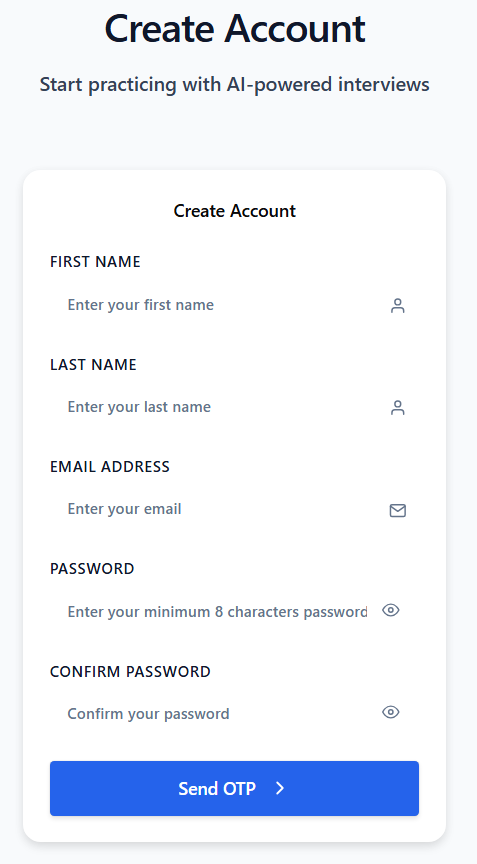
- Go to Login Page and click "Sign Up"
- Enter Details to Create Account. The password must be minimum 8 characters long.
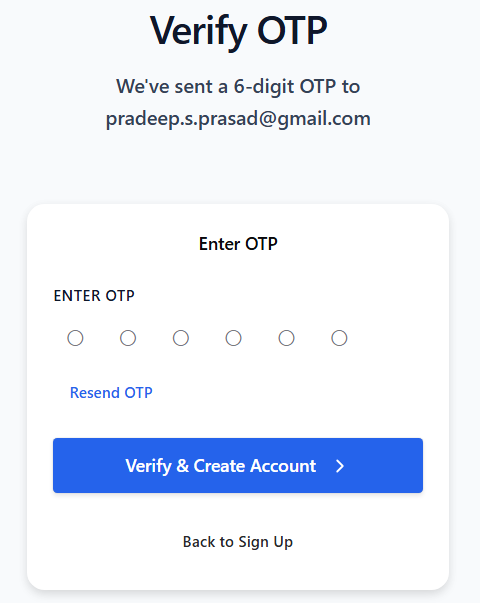
- Receive One Time Password (OTP) on the registered Email id
- Enter OTP in the application
- You are registered successfully
Screen Shots

Sign In
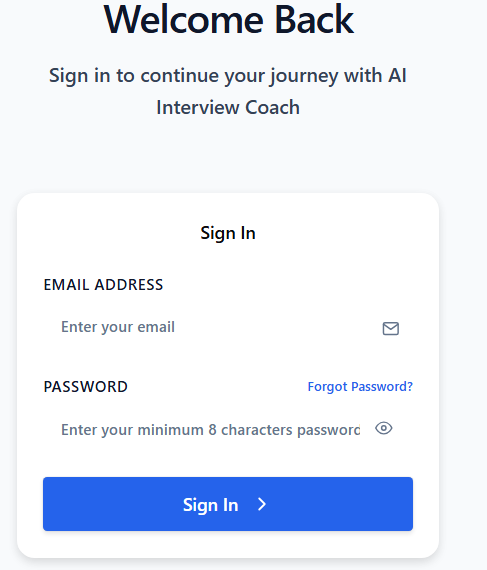
If you have already registered in the past and want to relogin to use the Just Placed application
- Go to Login Page and click "Sign In"
- Enter your registered Email Id
- Enter your password
- Hit Sign in
In case, you have already registered successfully, and forgot your password, then click on "Forgot Password?" and follow steps.
Screen Shots